
Hardware
Mobile card readers and tap to pay: accept cards on your phone
8 min read
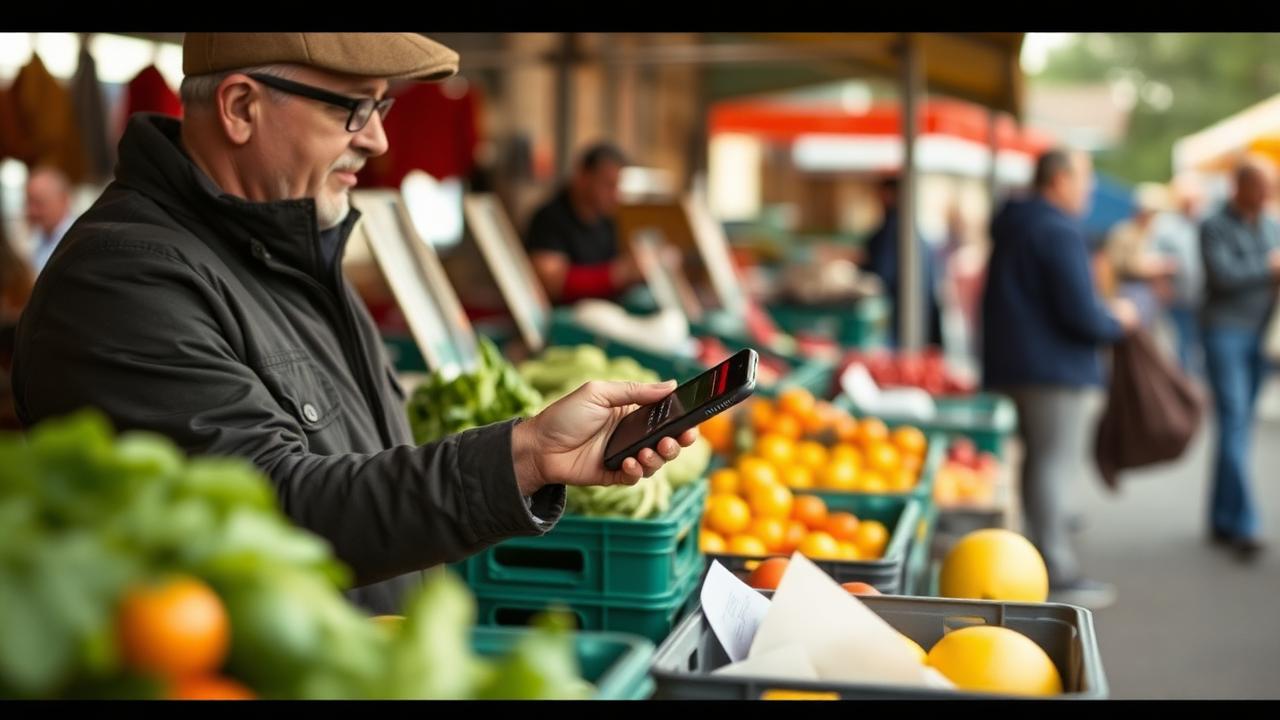
Quick answer
A mobile card reader lets you take chip and contactless payments from a phone or tablet, and tap to pay skips the hardware entirely by using the phone's own NFC chip. Both are fine for markets, food trucks and mobile services; a dedicated reader with its own battery and cellular backup is more reliable for busy days.
Key takeaways
- Tap to pay on a phone needs no extra hardware, but drains your battery and can't take chip-insert or swipe.
- A small Bluetooth reader adds chip, tap and better reliability for around $50–$100.
- A handheld all-in-one with its own SIM and printer is the right call above roughly 40 sales a day.
- Offline mode stores approvals to submit later, know its limits before you rely on it.
- Rates are usually the same as your counter rate if you use one provider for everything.
The three ways to take a card away from the counter
If you sell at markets, in customers' homes, from a truck or at events, you have three realistic options in 2026, and they differ mostly in reliability rather than in what a payment costs.
| Option | Hardware cost | Takes | Best for |
|---|---|---|---|
| Tap to pay on phone | $0 | Contactless cards, Apple Pay, Google Pay | Occasional sales, backup, solo service calls |
| Bluetooth card reader | $50 – $100 | Tap and chip insert | Markets, pop-ups, mobile services |
| Handheld all-in-one | $200 – $500 | Tap, chip, swipe, prints receipts | Food trucks, busy events, restaurants |
Tap to pay on your phone: what it's actually like
Tap to pay uses the NFC antenna already in a modern iPhone or Android phone. You open your payment app, type in an amount, and the customer holds their card or phone against yours until it beeps. There's nothing to charge, nothing to carry and nothing to lose in the bottom of a tote bag, which is genuinely great for a plumber taking one payment a day or a stylist who does a house call on Saturdays.
The limitations are real, though. It only accepts contactless, if a customer has an older card with no tap symbol, you can't take it, and about one in six cards still fits that description in some age groups. It eats your battery on a long day. It doesn't print anything, so you're texting or emailing receipts. And handing your unlocked personal phone across a counter dozens of times a day gets awkward fast.
Bluetooth readers: the practical middle ground
A pocket-sized reader pairs to your phone or tablet over Bluetooth and adds a chip slot plus a proper contactless target. The customer interacts with the reader, not your phone, which feels more professional and keeps your device in your hand. Batteries typically last a full market day, and most units survive being tossed in a crate, which the phone in your back pocket does not.
- Pair it before you leave, not in front of your first customer.
- Charge both the reader and a power bank the night before, this is the number one avoidable failure.
- Mount the phone or tablet on a small stand so your hands stay free for bagging.
- Keep a laminated card with your payment link and a QR code as a fallback.
Handheld all-in-ones: when you've outgrown the phone
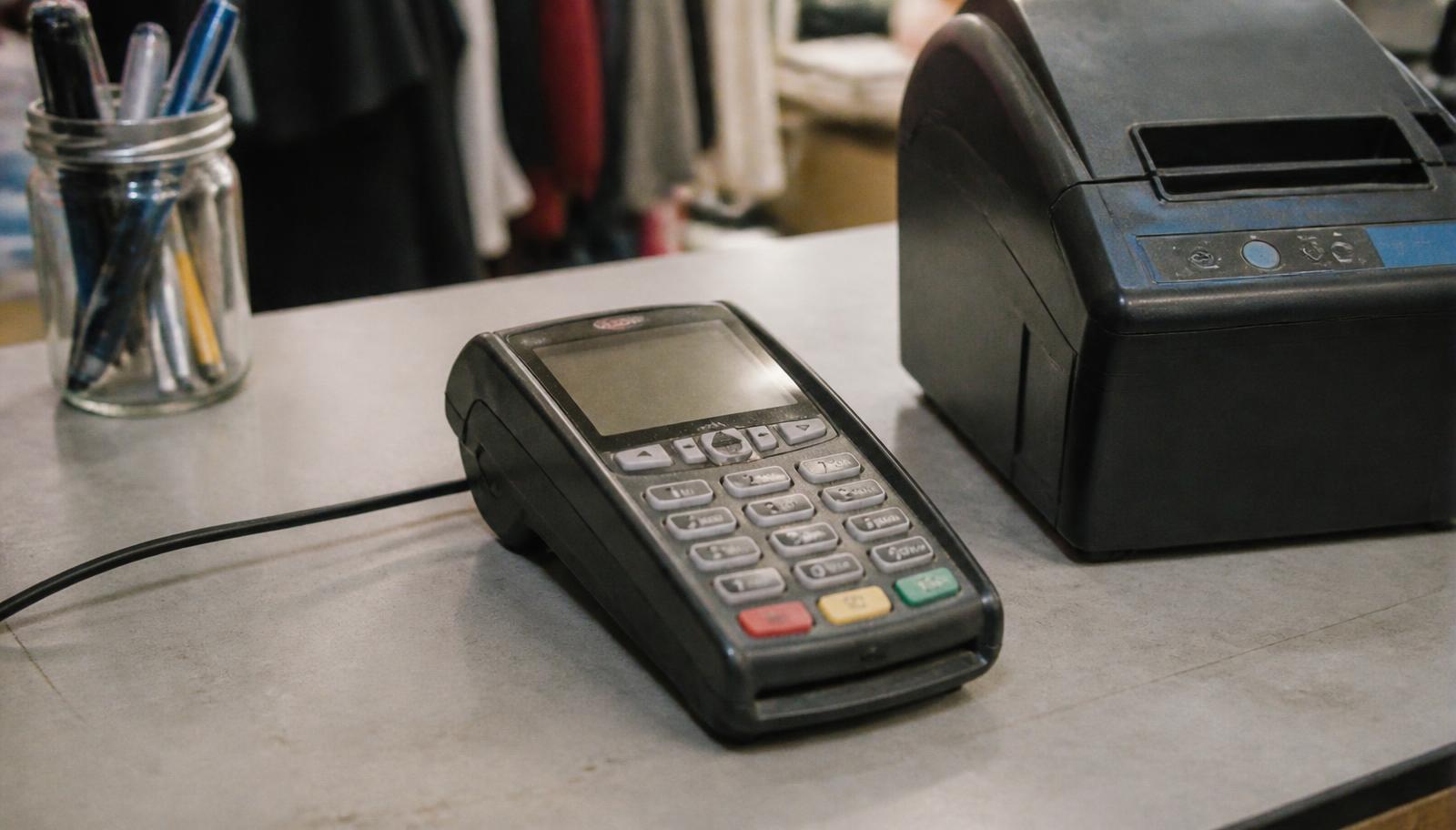
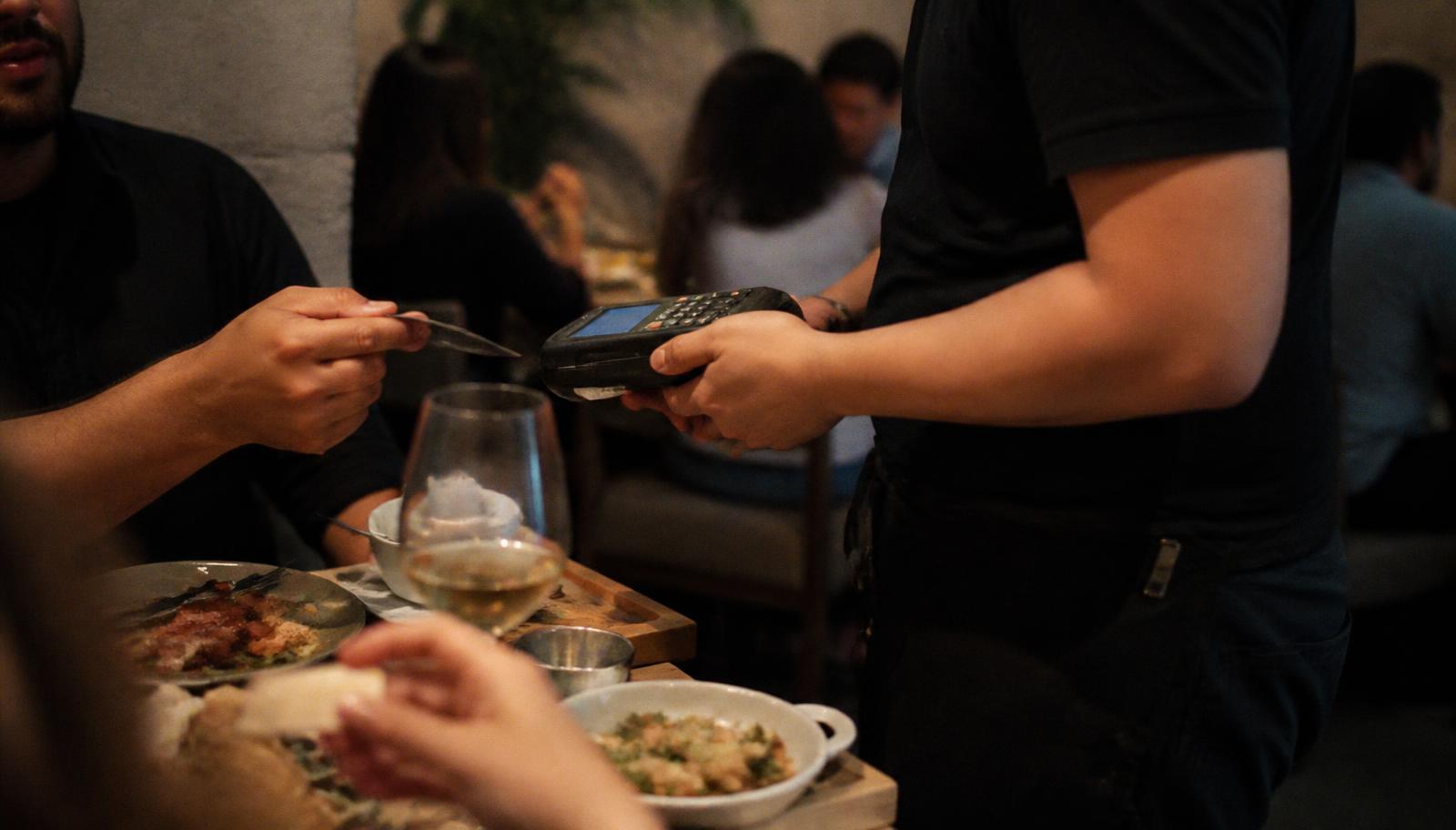
Once you're doing forty, fifty, a hundred sales in an afternoon, the phone setup starts costing you money in lost time. A handheld unit has its own screen, its own cellular connection, a real battery and usually a built-in receipt printer. Servers use them at the table, food trucks use them at the window, and vendors at big events use them because they don't depend on someone's personal phone staying alive.
Restaurants get the most out of these, bringing payment to the table shortens table turn times noticeably. We go deeper on that setup in our guide to restaurant payment processing, and the full hardware lineup is in our card machine guide.
Connectivity is the thing that ruins mobile payment days
Almost every mobile payment horror story is a signal story. A basement mechanical room, a state fair with 40,000 people on the same towers, a barn wedding venue, a Minnesota lake cabin, cards don't authorize if nothing can reach the network.
- 1Check signal at the site before your first event if you can, or ask another vendor.
- 2Use a dedicated data SIM or hotspot rather than sharing a phone that's also running your music and photos.
- 3Turn on offline mode where your app supports it, and understand the cap: transactions are stored and submitted when you reconnect, and you carry the risk if one declines.
- 4Carry a battery bank rated for at least two full phone charges.
- 5Keep a paper backup: a manual imprinter is old-fashioned but has saved plenty of market days, and a written order plus a payment link sent later works too.
What mobile payments cost
Two things surprise people. First, hardware is cheap now, often free or under $100 for a basic reader, because providers make their money on the processing, not the plastic. Second, mobile transactions are not inherently more expensive: a tapped card taken at a market is a card-present transaction, which is the cheapest category there is. What can be expensive is using a separate provider with a separate flat rate just for mobile, so you end up paying 2.9% + 30¢ at the market and something better at your counter.
| Cost | Typical range | How to avoid it |
|---|---|---|
| Separate flat-rate app pricing | 2.6% – 3.5% + fee | Run mobile through the same account as your counter |
| Keyed-in phone orders | +0.3% – 0.8% | Send a payment link instead of typing the number |
| Extra data line | $10 – $30/mo | Share a hotspot, or use a device with cellular included |
| Second POS subscription | $0 – $79/mo | Choose one system that covers counter and mobile |
That last row matters more than the rate difference for a lot of businesses. Consolidating means one deposit stream, one report, one set of sales tax numbers at year end. Our comparison of interchange-plus vs flat-rate pricing shows how much the pricing model alone can move your bill.
Which setup fits which business
| Business | Start with | Add when busy |
|---|---|---|
| Farmers market vendor | Bluetooth reader + tablet stand | Second reader for a second line |
| Food truck | Handheld with cellular | Second handheld for events |
| Mobile groomer, plumber, cleaner | Tap to pay on phone | Invoices with payment links |
| Craft fair / event seller | Bluetooth reader + hotspot | Handheld with printer |
| Salon suite renter | Tap to pay on phone | Small countertop terminal |
| Restaurant with a patio | Handheld all-in-one | One per section |
Getting the operational details right
- Set your statement descriptor to your market or truck name so customers recognize the charge later, this prevents a lot of chargebacks.
- Turn on tipping if it applies; a tip screen typically raises tips over a jar.
- Email or text receipts by default and skip the printer paper where you can.
- Log each event's sales separately if your app supports locations, so you know which markets are worth the booth fee.
- Keep card data off paper entirely, see PCI basics.
Minnesota reality check
Cold weather is a genuine factor here. Below about 20°F, phone batteries drop fast and touchscreens get unreliable with gloves on. Vendors at winter markets around Minneapolis and St. Paul do better with a handheld kept in an inside pocket between sales, and with a hand warmer in the bag holding the reader. Summer brings the opposite problem: big events across Minnesota saturate cell towers, so a device with its own carrier connection beats sharing one hotspot with three neighboring booths.
Tell us where and how you sell and we'll spec a setup that works in a barn, at a fairgrounds or in a customer's driveway. Book a walkthrough or call 763-280-3155.
Frequently asked questions
Sources and references
Want this checked against your own statement?
Send us a recent processing statement and we'll mark it up line by line, what you're paying now, and what you'd pay with us. No pressure.