
Hardware
Credit card machines for small business: which one fits you
9 min read
Quick answer
The right credit card machine for a small business depends on how you sell: countertop terminals suit a fixed checkout, wireless handhelds suit tables and job sites, mobile readers suit occasional or on-the-go sales, and smart terminals add a built-in POS. Buy outright rather than lease, and confirm it accepts tap, chip and mobile wallets.
Key takeaways
- Match the machine to how you sell: fixed counter, roaming staff, or occasional mobile sales.
- Buy the machine outright, leasing a $300 terminal for four years can cost $1,500 or more.
- Every modern machine should accept tap, chip, swipe and Apple Pay / Google Pay.
- Ethernet is most reliable, WiFi is fine for most shops, and 4G is worth it for outdoor or mobile use.
- PCI compliance and basic staff training matter as much as the hardware itself.
A credit card machine (also called a card terminal or POS terminal) is the device that reads a customer's card or phone and sends the payment to your merchant account for approval. Picking the right one comes down to how and where you take payments, not which model looks the newest.
What does a credit card machine actually do?
In simple terms, it reads payment details, encrypts them, and sends them over the internet or a phone network to the card networks and your bank for approval, all within a couple of seconds.
The terminal captures the card number (via chip, tap or swipe) or a digital wallet token, then passes it through a payment processor to the customer's bank for approval. It gets an approval or decline back in one to three seconds and prints or emails a receipt. Behind the scenes this involves your processing fees being calculated on interchange rates set by Visa, Mastercard and the other networks, the machine itself is just the messenger.
Which type of machine fits which business?
Countertop terminals suit fixed checkouts, wireless handhelds suit restaurants and mobile services, phone readers suit occasional sellers, and smart terminals combine a register with a card reader.
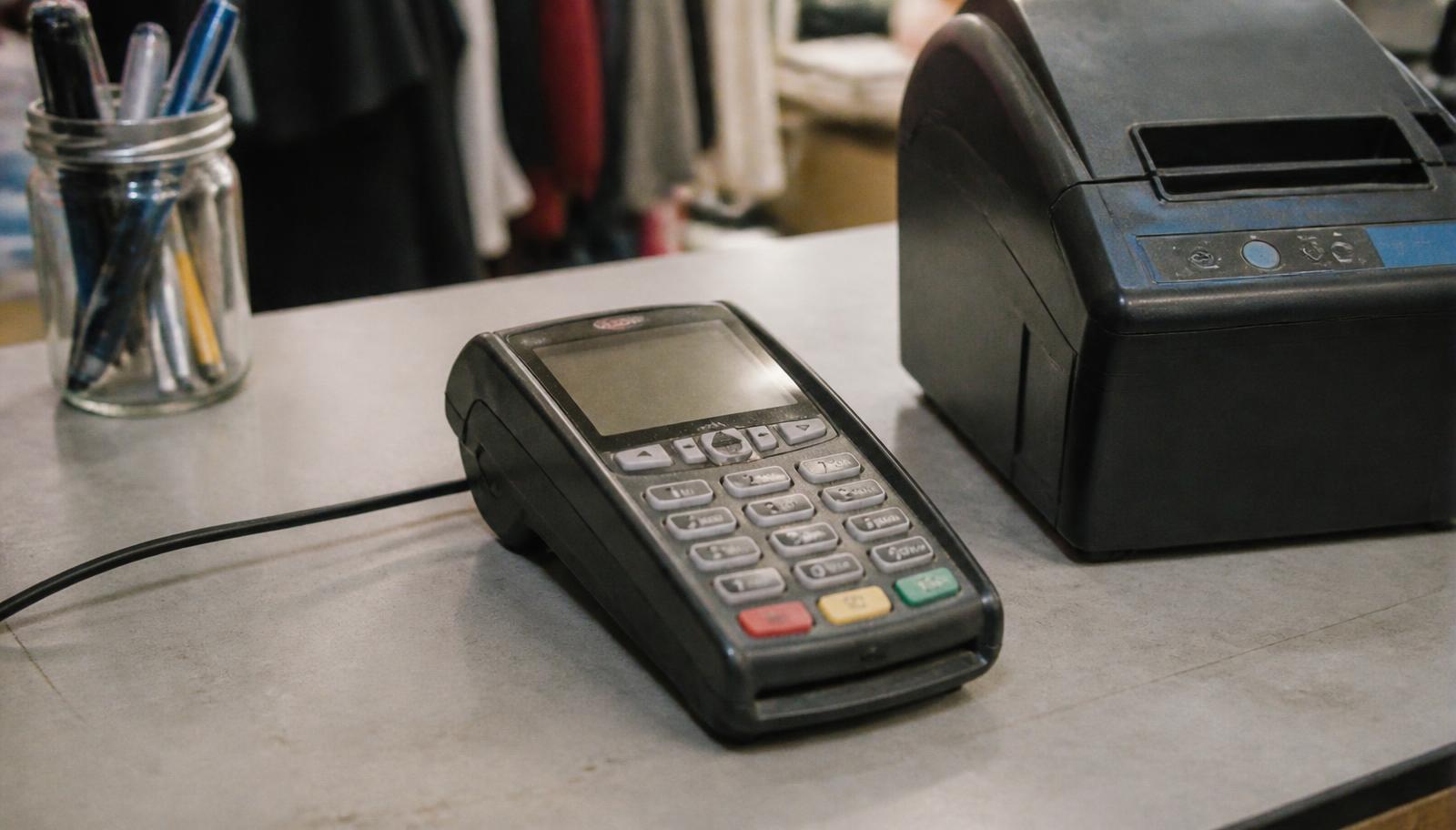
- Countertop terminal, plugs into ethernet or WiFi, stays at one register. Good for retail shops, salons, and any business with a single fixed point of sale.
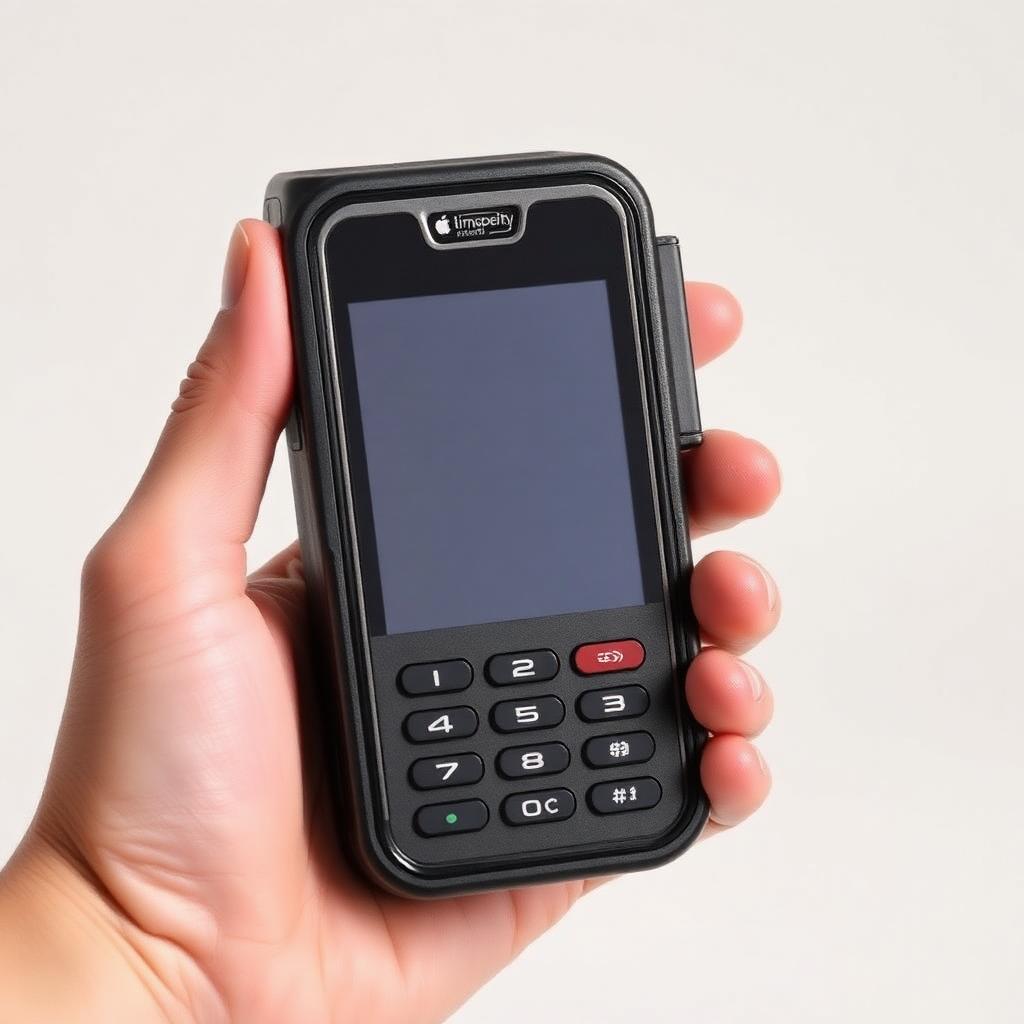
- Wireless handheld terminal, battery powered, connects over WiFi or cellular, walks the payment to the customer. Good for table-service restaurants, food trucks, delivery, and home services.
- Mobile card reader, a small dongle or dock that plugs into a phone or tablet. Good for farmers markets, pop-up stalls, and businesses that only take cards occasionally.
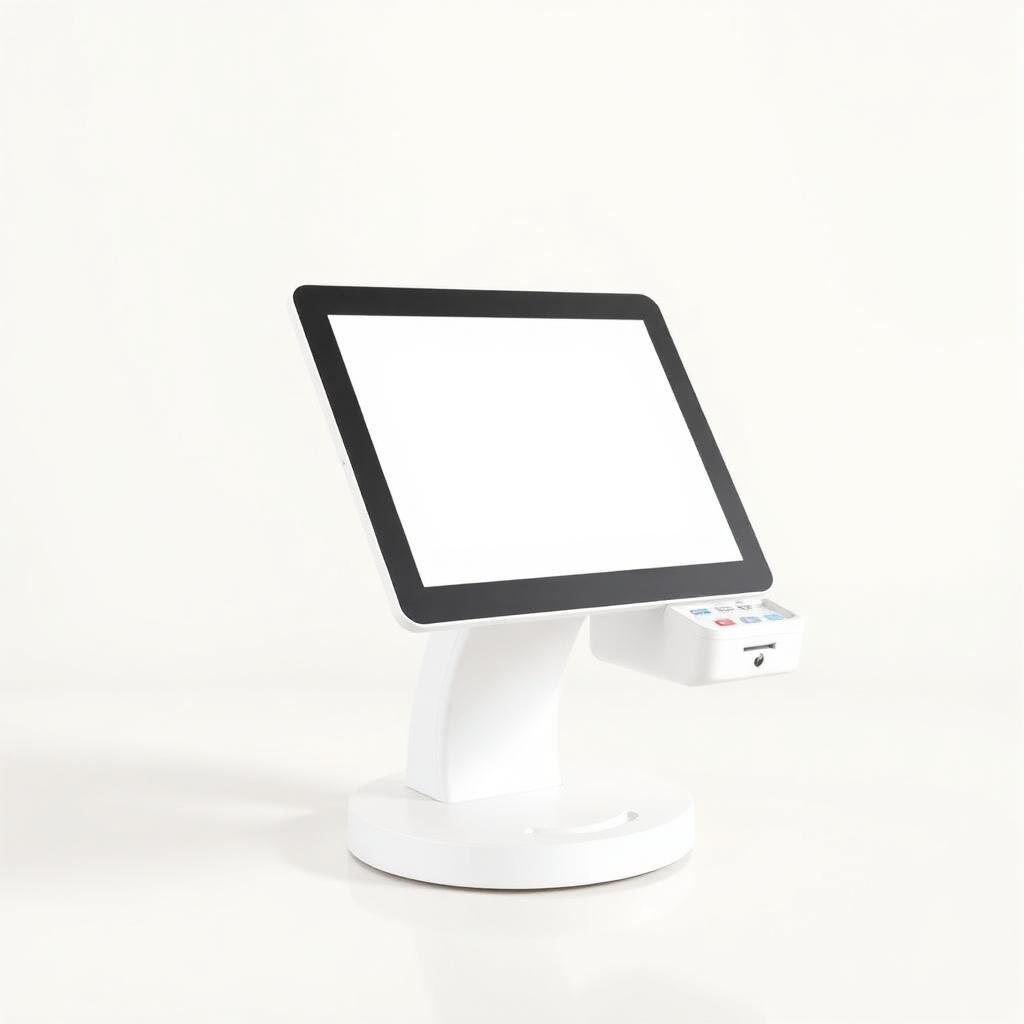
- Smart terminal / all-in-one POS, a touchscreen device that rings up items, tracks inventory and takes payment in one unit. Good for growing restaurants, cafes and retailers who want reporting built in, see our best POS system guide for a deeper comparison.
| Type | Typical cost | Best for | Connection |
|---|---|---|---|
| Countertop | $250-$500 | Fixed checkout counters | Ethernet or WiFi |
| Handheld | $300-$600 | Restaurants, job sites, delivery | WiFi or 4G |
| Mobile reader | Free-$100 | Occasional or seasonal sales | Phone Bluetooth |
| Smart terminal | $500-$1,200 | Full-service retail/restaurant | Ethernet, WiFi or 4G |
Do you need ethernet, WiFi or a cellular connection?
Ethernet is the most reliable but least flexible; WiFi works for most stores; cellular (4G) is worth the extra cost if you move around or your internet is unreliable.
An ethernet cable gives the most stable, fastest connection because it doesn't depend on your WiFi network being busy or your router being far from the register. WiFi is the most common choice and works fine as long as your signal is strong at the counter. Cellular-connected terminals cost a bit more per month but keep working during an internet or power outage at your building, and they're the only realistic option for food trucks, market stalls, or a landscaping crew working outdoors around the Twin Cities. If your shop has ever lost a sale because the WiFi dropped, a 4G backup pays for itself quickly.
What payment methods should a modern machine accept?
Any machine you buy today should accept chip insert, contactless tap, magnetic swipe, and mobile wallets like Apple Pay and Google Pay, refusing any of these turns away customers.
Contactless (tap) has become the default for most shoppers because it's fast and doesn't require touching a shared PIN pad. Chip is the fallback for cards without a tap feature or for larger transactions where a PIN is required. Swipe should really only be a backup for damaged cards. Mobile wallets route through the same networks as physical cards, so there's no extra fee structure to worry about, they process at the same interchange-based rates as a normal tap transaction. If a machine you're considering doesn't support tap or mobile wallets out of the box, treat that as a dealbreaker, since a growing share of shoppers in Minneapolis, St. Paul and across the state now default to tapping their phone or watch rather than pulling out a physical card.
How does tipping and receipts work on a card machine?
Most terminals let you build in tip prompts (percentage or dollar amount) before the payment finishes, and can print, email or text a receipt automatically.
It's worth reviewing your tip screen defaults every few months, since suggested percentages that felt generous a couple of years ago may now look low compared to what similar businesses display, and customers do notice the pre-set options.
For restaurants, salons and other service businesses, the terminal software usually lets you set up two or three suggested tip percentages plus a custom option, all before the final charge goes through. This is far easier for staff than adding tips after the fact. On receipts, offering an email or text option instead of always printing paper saves money on till rolls and gives you a digital record for warranty or dispute purposes.
Should you buy, get a free-placement machine, or lease?
Buying the machine outright is almost always the best value; free-placement deals from a processor are fine if the contract is fair; leasing a terminal is rarely worth it and often costs several times the machine's actual price.
A countertop or handheld terminal typically costs $250 to $600 to own outright. Some processors will place a machine for free or a small setup fee in exchange for your processing business, that's a reasonable trade if the rates are transparent. Equipment leasing companies, on the other hand, often lock small businesses into 36-to-48-month non-cancelable contracts at $30-$100 a month for a machine worth a few hundred dollars, meaning you could pay $1,500-$4,000 for hardware that should have cost you $400. If a salesperson pushes a lease hard and won't clearly state the total contract cost, treat that as a red flag.
How do you set up a new machine and train staff on it?
Most terminals arrive pre-configured and ready to connect to WiFi or a SIM, with setup taking 15-30 minutes; staff training usually takes under an hour since the tap/chip/swipe flow is nearly identical across brands.
- 1Unbox and charge the device fully before first use.
- 2Connect it to your business WiFi network or activate the SIM card.
- 3Log in with the credentials from your processor and confirm it's linked to your merchant account.
- 4Run a small test transaction and refund it to confirm everything settles correctly.
- 5Walk staff through tap, chip, tip prompts and how to issue a refund or void.
How do you keep a card machine secure and PCI compliant?
PCI compliance means following basic security rules set by the card networks, using an EMV-capable machine, keeping software updated, and never writing down full card numbers, and most processors handle the technical side for you.
Practically, this means: don't let anyone unfamiliar service or open the terminal, keep the firmware updated when prompted, don't email or text full card numbers to anyone, and use a machine that's certified for EMV chip and encrypted PIN entry. The PCI Security Standards Council publishes the official requirements, but a good processor will translate these into a short annual checklist rather than technical paperwork, which is one of the things worth asking about when you compare providers.
What does it cost to run a credit card machine day to day?
Beyond the hardware price, expect a monthly software or gateway fee of $0-$25, plus per-transaction processing fees that usually range from about 1.5% to 3.5% depending on card type and how you're set up.
The machine itself is a one-time or occasional cost, but the ongoing expense is processing fees on every sale. These are driven by interchange rates the card networks set, plus your processor's markup, see our full breakdown of processing fees for the details. Some Minnesota merchants also look at zero-fee or cash-discount programs that pass most of the card cost to the customer instead of the business, which can make sense depending on your industry and customer base.
What should you do if your card machine stops working?
Most terminal problems come down to connection, power, or paper, check WiFi/cellular signal, confirm it's charged or plugged in, and restart it before assuming the hardware is broken.
Keep a short written checklist near the register so any staff member, not just the owner, can work through these steps during a rush. A five-minute fix during a busy Saturday is far better than closing the register while someone calls for help.
- No connection: check the WiFi network name and password, or confirm cellular signal if it's a 4G model.
- Frozen screen: hold the power button for 10-15 seconds to force a restart.
- Declined transactions across the board: check with your processor for an outage before assuming it's the customer's card.
- Paper jam or faded receipts: replace the thermal roll, most machines use a standard size available from any office supply store.
- Persistent errors: contact your processor's support line rather than a generic tech, since terminal software is tied to your merchant account.
How do you choose a provider for your Minnesota business?
Look for a provider that explains rates clearly, doesn't push a lease, offers local support, and gives you a machine suited to how you actually sell rather than whatever they have in stock.
Whether you run a coffee shop in Minneapolis, a boutique in St. Paul, or a service business anywhere in Minnesota, the fundamentals are the same: pick the machine type that matches your workflow, own the hardware instead of leasing it, and choose a processor who's upfront about costs. If you're still weighing your options, our team can walk through your setup and recommend the right terminal, book a free consultation and we'll help you compare.
Frequently asked questions
Sources and references
Want this checked against your own statement?
Send us a recent processing statement and we'll mark it up line by line, what you're paying now, and what you'd pay with us. No pressure.