
Security
PCI compliance for small business, explained simply
8 min read
Quick answer
PCI compliance means following the card industry's rules for handling card data. For most small businesses it comes down to filling out a short annual questionnaire, running a scan if you take payments online, using up-to-date equipment, and never writing card numbers down. Finishing the questionnaire also removes the monthly non-compliance fee many processors charge.
Key takeaways
- Most small businesses only need a self-assessment questionnaire, not an audit.
- The monthly "PCI non-compliance fee" on your statement usually just means paperwork is unfinished.
- Never store card numbers on paper, in email, in texts or in a spreadsheet.
- Modern terminals and hosted checkout pages shrink your responsibility dramatically.
- Redo the questionnaire every 12 months, it expires.
What PCI compliance means in practice
PCI DSS stands for Payment Card Industry Data Security Standard. It's not a law, it's a set of rules the card brands agreed on so that businesses handling card numbers do it safely. If you accept Visa, Mastercard, Discover or American Express, you agreed to follow it when you signed your processing agreement. The good news is that the version that applies to a small shop is much lighter than the version that applies to a national chain.
In everyday terms, compliance means three things: you use equipment and software that protects card data, you don't keep card numbers lying around, and once a year you confirm both of those in writing. That's the whole shape of it.
Which level are you?
| Level | Annual transactions | What's required |
|---|---|---|
| Level 4 | Under 20,000 e-commerce or under 1 million total | Self-assessment questionnaire, plus a scan if you take cards online |
| Level 3 | 20,000 – 1 million e-commerce | Self-assessment questionnaire and quarterly scans |
| Level 2 | 1 – 6 million total | Questionnaire or on-site review, quarterly scans |
| Level 1 | Over 6 million total | Annual audit by a qualified assessor |
Nearly every independent restaurant, salon, clinic, contractor and retail shop in the country is Level 4. If someone is trying to sell you an expensive audit and you run one location, ask them which level they think you are and why.
Picking the right questionnaire
There are several versions of the self-assessment questionnaire (SAQ), and the one you need depends on how you take payments. Choosing the right one saves a lot of unnecessary questions.
| If you... | You likely need | Roughly how many questions |
|---|---|---|
| Only use a standalone dial-up or cellular terminal | SAQ B | ~40 |
| Use a terminal with point-to-point encryption | SAQ B-IP or P2PE | ~30 |
| Take payments online through a hosted checkout page | SAQ A | ~30 |
| Take online payments with fields on your own site | SAQ A-EP | ~190 |
| Use a POS system connected to the internet | SAQ C | ~160 |
The pattern is worth noticing: the less card data touches your own systems, the shorter the questionnaire. If your website's payment form is hosted by your payment provider rather than built into your own pages, you can go from nearly 200 questions to about 30. That's a real reason to choose hosted checkout when you set up online payment processing.
That non-compliance fee on your statement
Look at your last statement for a line like "PCI non-compliance" or "PCI program fee", often $9.95 to $39.95 a month. Nine times out of ten it means nobody ever logged into the compliance portal and finished the questionnaire. It is not a fine from Visa. Finish the paperwork and, in most cases, the fee stops and some processors will credit a month or two back if you ask.
The twelve requirements, translated
- Use a firewall, for most shops this is the business-grade router your internet provider or POS installer set up.
- Change default passwords on everything: router, terminal admin, POS manager accounts, back-office Wi-Fi.
- Don't store card data. If you never keep it, most of the standard stops applying to you.
- Encrypt data in transit, modern terminals and hosted checkout do this automatically.
- Keep anti-malware running on any computer that touches payments.
- Install updates on your POS, tablets and terminals when they're released.
- Limit who can see what: your seasonal cashier doesn't need manager-level reporting access.
- Give each employee their own login. No shared "staff" account with the PIN taped to the till.
- Physically secure equipment: locked back office, cameras over the register, terminals not left loose overnight.
- Keep logs, your POS does this for you; just don't turn it off.
- Test your setup: run the scan if you take online payments, and check for rogue Wi-Fi devices.
- Write down your basic security rules so staff can follow them.

The five habits that cause almost all small business problems
1. Writing card numbers on paper
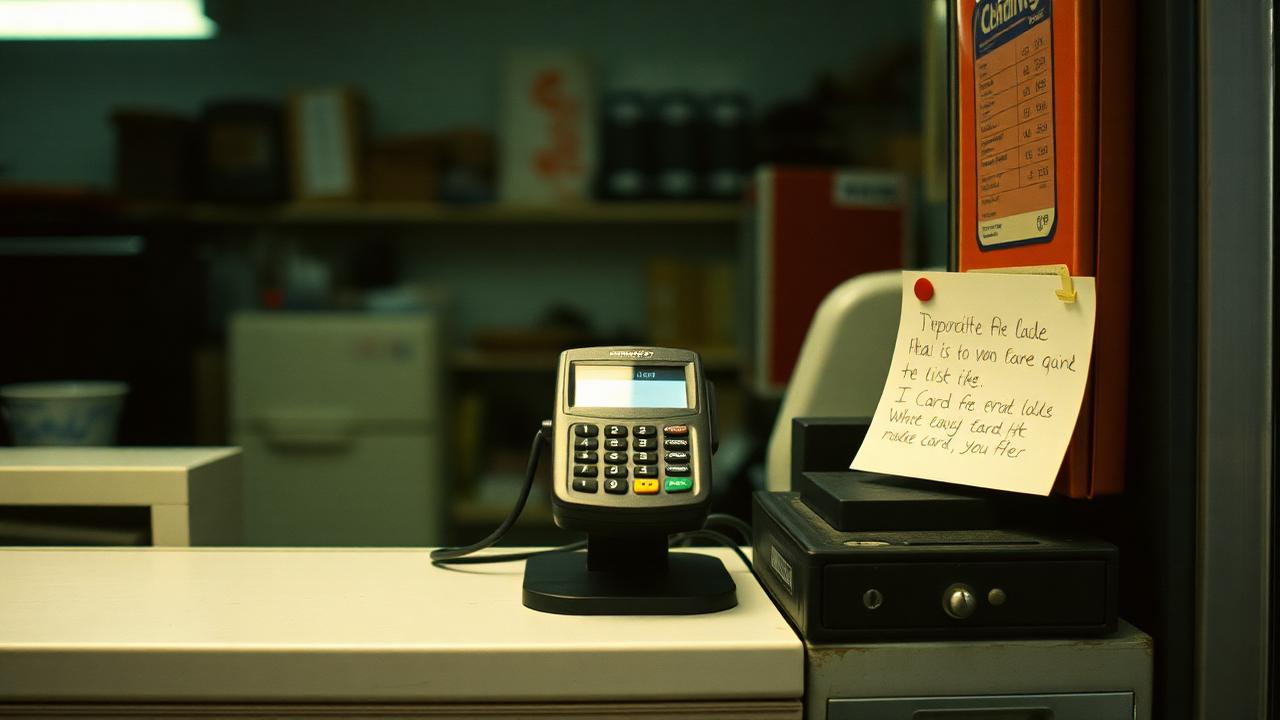
Phone orders and deposits tempt staff to jot a number on a notepad "just for a minute." That notepad is now the single biggest liability in your building. Take the payment while the customer is on the phone, or send them a secure payment link instead.
2. Accepting card numbers over email or text
Email and SMS are not secure and the number sits in your inbox indefinitely. If a customer sends one anyway, process it, then delete the message from your inbox and your trash and tell them how to pay next time.
3. Sharing the guest Wi-Fi with the register
Your payment devices should be on a separate network from customer Wi-Fi. Any decent router can do this. It's a ten-minute setup that keeps a stranger's laptop off the same network as your POS.
4. Old, unpatched equipment
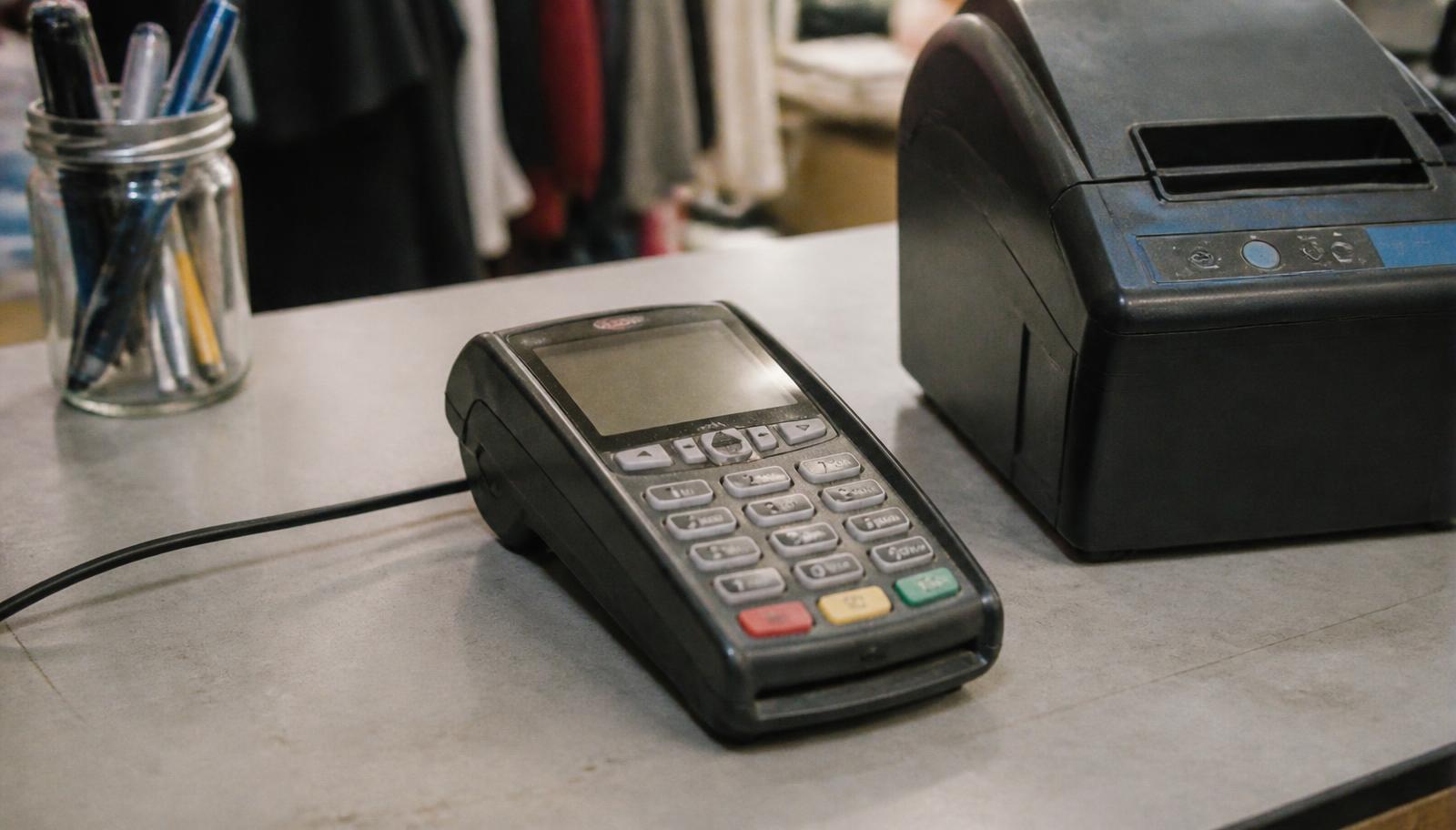
A terminal from 2013 or a POS running an unsupported operating system can fail compliance and, more importantly, can actually be exploited. If your hardware no longer receives updates, replace it. Our card machine guide covers current options.
5. Never checking the terminal for tampering
Skimming overlays are still a thing, especially at unattended or high-traffic counters. Give terminals a quick look each morning: loose casing, an odd extra slot, unfamiliar cables, a serial number that doesn't match your records.
What happens if you ignore it
The monthly fee is the mild version. If card data is stolen from a business that wasn't compliant, the costs can include forensic investigation, card brand fines passed through your processor, the cost of reissuing customer cards, higher processing rates, and in serious cases losing the ability to accept cards. For a small business, the reputational damage in a tight-knit local market often hurts longer than the invoice.
A simple annual routine
- 1Log into your processor's compliance portal and note the expiration date on your attestation.
- 2Complete the correct SAQ for how you actually take payments today, not how you did two years ago.
- 3If you take online payments, run the quarterly scan the portal offers.
- 4Confirm every employee has their own POS login and remove anyone who's left.
- 5Check that all terminals, tablets and POS software are on current versions.
- 6Verify the non-compliance fee has dropped off your next statement.
That's genuinely it for most businesses, an hour or two once a year. If you're setting up payments for the first time, start from our guide to accepting credit card payments and choose a hosted, encrypted setup from day one so compliance stays easy.
Help for Minnesota businesses
We sit down with owners across Minneapolis, St. Paul and the rest of Minnesota and finish the questionnaire together, screen shared, on the phone, done in one sitting. If you've been paying a non-compliance fee for a year, that's usually the first thing we fix.
Want a hand with yours? Book a walkthrough or call 763-280-3155.
Frequently asked questions
Sources and references
Want this checked against your own statement?
Send us a recent processing statement and we'll mark it up line by line, what you're paying now, and what you'd pay with us. No pressure.