
Getting started
How to switch payment processors without downtime
8 min read
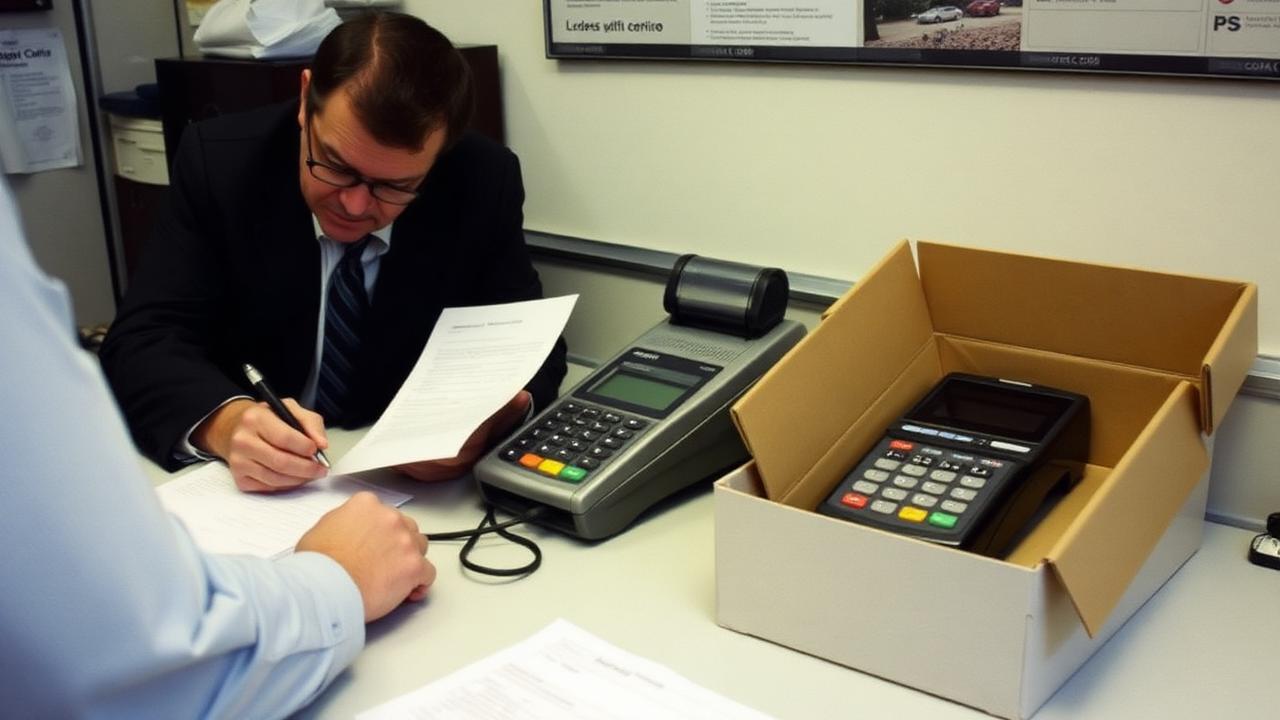
Quick answer
To switch payment processors, first check your current agreement for an early termination fee and any equipment lease, then get the new pricing in writing, confirm your POS and online store are supported, run both accounts in parallel for a few days, and cancel in writing once deposits from the new account are confirmed.
Key takeaways
- The two things that trap people are early termination fees and non-cancellable equipment leases.
- Compare effective rates, total fees divided by total card sales, not headline rates.
- Confirm POS, gateway and recurring-billing compatibility before you sign anything.
- Cancel in writing, keep the confirmation, and watch two more statements for stray fees.
- A well-planned switch causes zero downtime; a rushed one causes a bad Saturday.
First, decide whether switching is the actual fix
Sometimes the problem is the provider. Sometimes it's a setting. Before you go through a switch, check whether the thing bothering you can be fixed where you are: a monthly non-compliance fee usually disappears once you finish a questionnaire, a slow deposit is often a batch cutoff issue, and a rate that crept up can sometimes be pulled back with one honest phone call. Those are all covered in our guide to lowering processing fees.
Switching is genuinely worth it when the pricing model itself is wrong for you, when nobody answers the phone during a rush, when your hardware is out of date, or when you've asked for a written rate review twice and gotten nothing.
Step 1: Read your current agreement
This is the step people skip and regret. Dig out the merchant agreement, the processor can email it to you if you can't find it, and look for four things.
| Item | Why it matters |
|---|---|
| Early termination fee | Can be a flat $250–$495, or in bad cases a liquidated damages formula |
| Contract term and auto-renewal | Many renew for another year unless you cancel in a specific window |
| Equipment lease | Usually separate, usually non-cancellable, and the real cost trap |
| Notice requirements | Written notice, often 30 days, sometimes to a specific address |
Equipment leases deserve the most attention. They're frequently held by a separate leasing company, not your processor, and cancelling processing does nothing to end them. A four-year lease at $59/month is about $2,800 for hardware you could often buy for a few hundred dollars. If you're stuck in one, note the exact end date and set a calendar reminder 60 days before it, because many auto-renew.
Step 2: Calculate your real current cost
You can't compare offers without a baseline. Take one full month's statement, add every single fee, percentage, per-item, monthly, PCI, batch, minimum, gateway, dispute, and divide by that month's total card sales. That's your effective rate, and it's the only fair comparison number. Grab three months if your volume is seasonal.

Step 3: Get offers that are actually comparable
Ask every provider the same questions and insist on written answers. Verbal quotes evaporate, and "we'll beat your rate by 20%" isn't a number.
- 1What is your markup over interchange, as a percentage and a per-item amount?
- 2List every recurring monthly fee, including PCI and gateway.
- 3Is there a contract term, an early termination fee, or an auto-renewal?
- 4Is hardware purchased, included, or leased? If leased, walk away or negotiate a purchase.
- 5What is my batch cutoff time and funding schedule?
- 6Who answers the phone at 7pm on a Friday, and is it a person or a ticket queue?
- 7What happens to my pricing after twelve months?
If you're unsure which pricing model fits, our comparison of interchange-plus vs flat rate walks through the math on different ticket sizes.
Step 4: Check compatibility before you sign
This is the technical step where switches go wrong. Your payment processing is wired into other systems, and every one of those connections needs to be confirmed in advance, not discovered on cutover morning.
- POS software: is the new processor a supported payment partner, or would you need new POS software too?
- Online store: which gateway does your e-commerce platform support?
- Recurring billing: how do saved cards transfer? Tokens usually can't move, so subscriptions may need re-authorization.
- Accounting: does it sync with your bookkeeping software the same way?
- Gift cards: existing balances often can't migrate between systems, plan a redemption window.
- Loyalty program: same problem; export your data before you lose access.
Gift card and loyalty balances are the most common unpleasant surprise. If you have thousands of dollars in outstanding gift card liability, get a written migration plan or keep the old system running for redemptions only.
Step 5: Plan the cutover
Never switch during your busiest week. Pick a slow Tuesday, not the Saturday before a holiday. If you can, run both accounts in parallel for a few days, take a handful of real sales on the new terminal, confirm the deposit actually arrives in the right bank account, then move the rest of your volume over.
- 1Set up and test the new hardware before it's live: run a $1 sale and refund it.
- 2Confirm the first deposit lands correctly and on schedule.
- 3Train staff on the new terminal before the shift, with a printed one-pager by the register.
- 4Update your statement descriptor to the name customers recognize.
- 5Move online checkout and recurring billing after in-person is proven stable.
- 6Keep the old terminal plugged in for a week as a fallback.
Step 6: Cancel properly
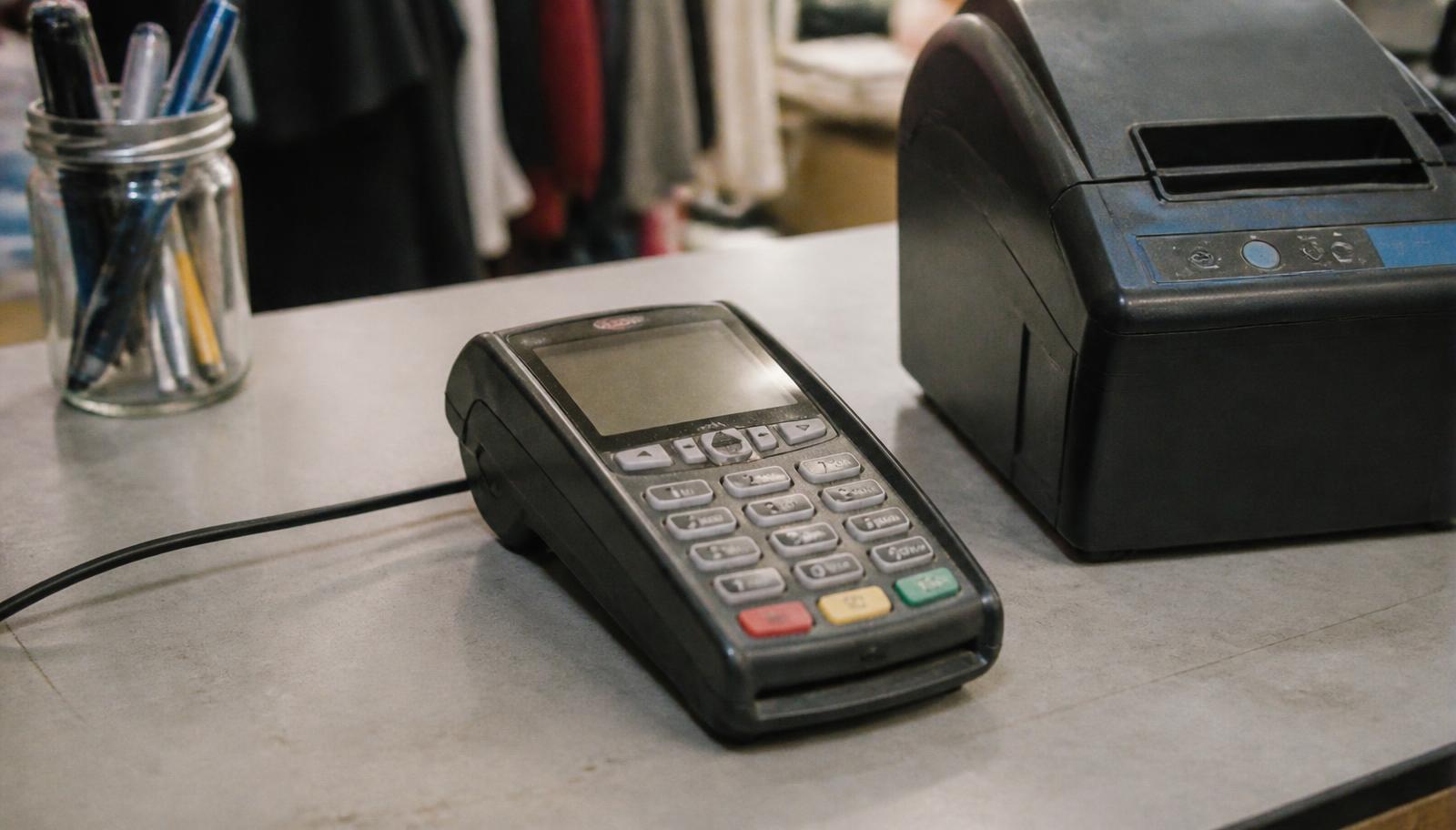
Cancelling by phone alone is how people end up paying monthly fees for another year. Send written notice, email is fine if they accept it, state the effective date, and ask for written confirmation that the account is closed and no further fees will be billed. Save that confirmation.
- Return leased or loaned equipment with tracking, and keep the receipt.
- Watch the next two statements: closure fees and stray monthly charges are common.
- Don't close the old bank connection until you've confirmed no residual deposits or debits are pending.
- Keep your final statements, you may need them for chargebacks on old sales, which can arrive months later.
That last point matters: disputes on sales you ran under the old account are still handled by the old processor. Keep portal access if you can, and keep receipts. Our chargeback guide explains what evidence to retain.
A realistic timeline
| Stage | Time |
|---|---|
| Review contract and calculate effective rate | 1–2 days |
| Collect and compare written offers | 3–7 days |
| Application and approval | 1–3 business days |
| Hardware shipping and setup | 2–5 business days |
| Parallel testing | 3–5 days |
| Full cutover and cancellation | 1 day |
Two to three weeks start to finish, with essentially no downtime if you test first. If someone promises to have you switched tomorrow, ask what they're skipping.
Switching help in Minnesota
We handle switches for shops, restaurants, salons, clinics and trades businesses across Minneapolis, St. Paul and greater Minnesota, including reading your existing contract for termination fees and lease traps before you commit to anything. We'll also tell you plainly when staying put and fixing a setting is the better move.
Send us your statement and your current agreement and we'll mark up both. Book a walkthrough or call 763-280-3155.
Frequently asked questions
Sources and references
Want this checked against your own statement?
Send us a recent processing statement and we'll mark it up line by line, what you're paying now, and what you'd pay with us. No pressure.